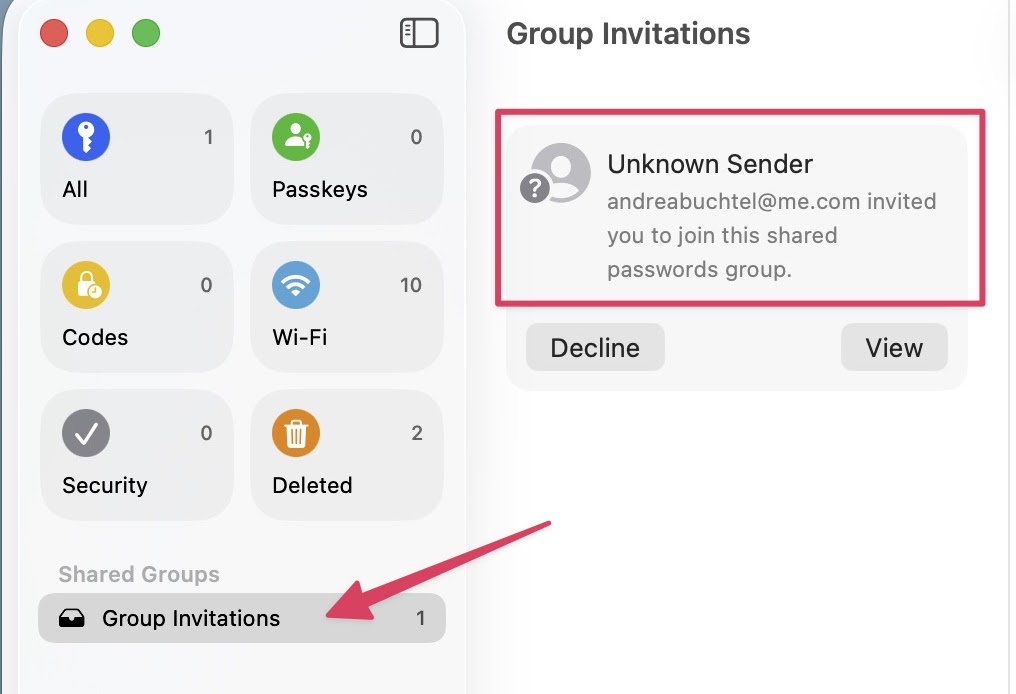
Password Sharing on Apple Devices
Everyone using a modern Apple Device can use the built-in Apple Password Manager App.
This App allows you to:
- Store your own passwords, and have them automatically sync with your other Apple Devices.
- Attach an Authentication Code to the Password, eliminating the need for Phone- or Text-Based Verification.
- Share Passwords to a Group of people who needs equal access, such as:
- sharing with your Team, access to an Business Service Account (like Amazon Storefront).
- sharing with a Freelancer or VA, an Online Service Account (like web hosting).
- sharing a Household Utility with Family Members (like gas and electric).
Before sharing a Password, the person needs to be in your Contacts.
If you attempt to share a password with someone, and their Name does NOT Automatically Appear as you begin typing:
- Open the Contacts App
- Create a New Card with the name and email address of the person to share with.
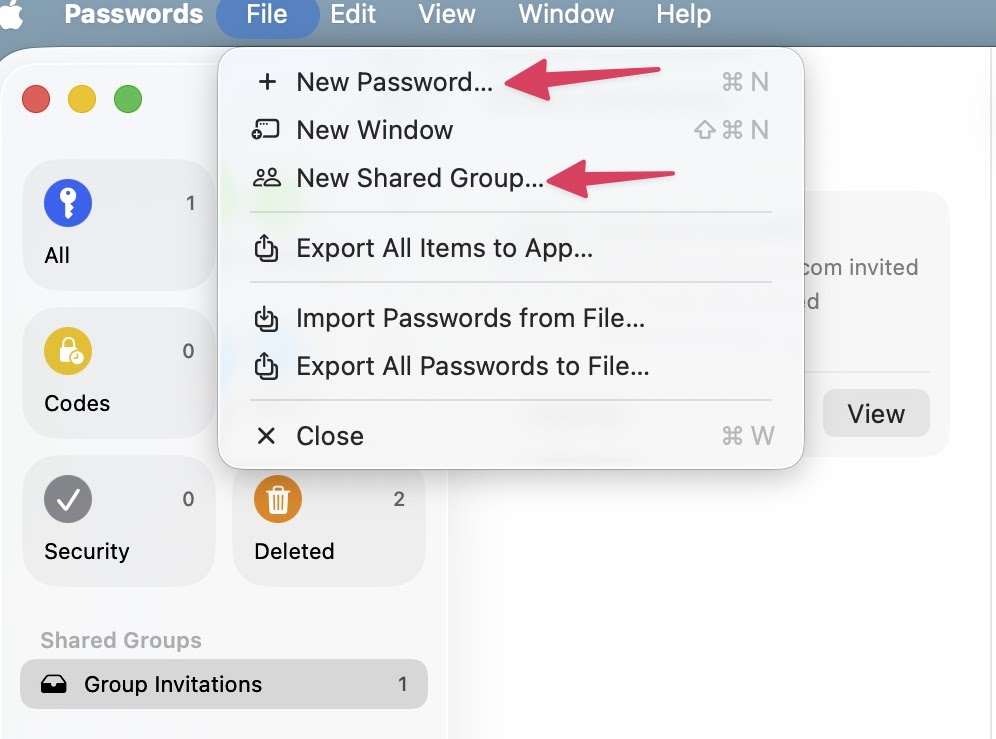
Start in the File Menu to Create Passwords and Groups
When You're Invited to a Group, You can Join from Within the App